
首先,我们需要了解一下什么是EmuELEC ?
EmuELEC是一款基于Amlogic(晶晨)开发的复古游戏机模拟器系统,它将CoreELEC、Lakka和Batocera以及Advancemame,PPSSPP,Reicast,Amiberry等等项目整合在一起。简单的说,EmuELEC就是一个整合了所有游戏机模拟器的开源系统,你可以把机顶盒看作电脑,而EmuELEC可以看作是windows系统。
2、EmuELEC支持哪些电视盒子运行呢?
目前,EmuELEC支持的盒子主要是支持S905(及其变体,S905x、S905y、S905w 等),S912,S905x2,S905x3,S922x / A311D芯片方案的机顶盒等设备。
3、具体盒子型号如下:
1)晶晨S912盒子
当贝超级盒子H2
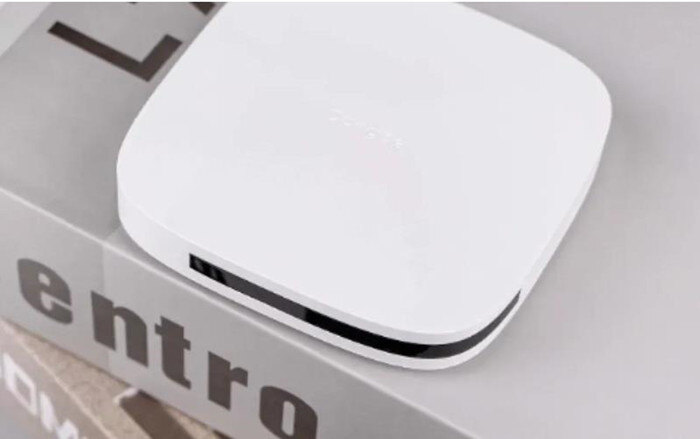
配置:
芯片:晶晨S912 8核CPU,GPU Mali-T820,ARM Cortex-A53
存储:2G+16G
网口:百兆网口
解码能力:支持4K 60fps解码,支持HDR10+
其他接口:AV接口、HDMI2.0接口、USB2.0接口、电源接口
刷EmuELEC系统教程:当贝H2怎么安装EmuELEC游戏系统?最新方法教程分享
2)晶晨S922X盒子
当贝超级盒子B3
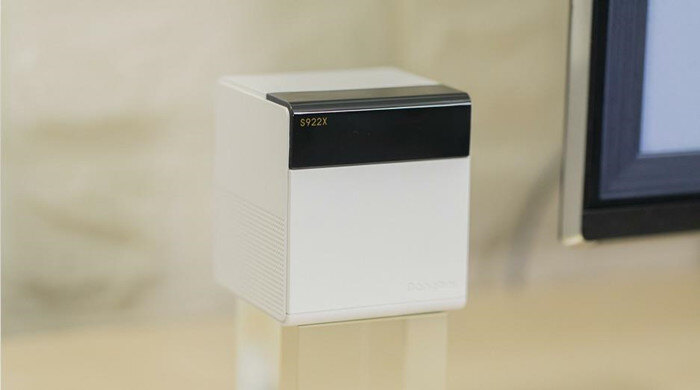
配置:
芯片:晶晨S922X,GPU Mali-G52 MP6,ARM Cortex-A73
存储:4G+32G
网口:千兆网口
解码能力:支持4K 60fps解码,支持HDR10+
其他接口:HDMI2.1接口、AV接口、USB3.0、电源接口
当贝超级盒子B3 Pro
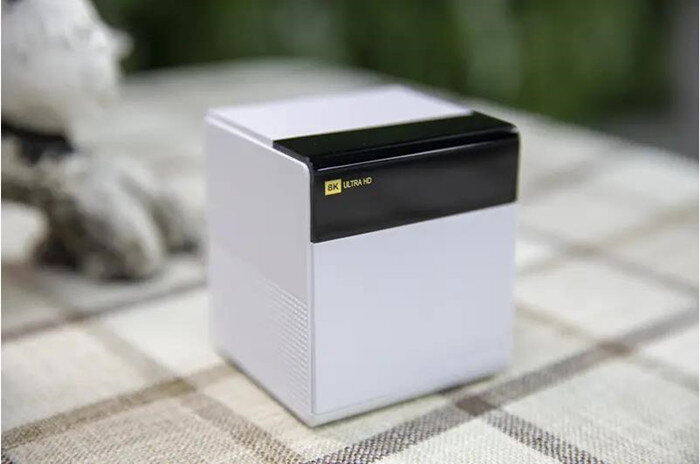
配置:
芯片:晶晨S922X,GPU Mali-G52 MP6,ARM Cortex-A73
存储:4G+64G
网口:千兆网口
解码能力:支持8K 60fps解码,支持HDR10+
其他接口:HDMI2.1接口、AV接口、USB3.0、电源接口
刷EmuELEC系统教程:当贝盒子B3 &B3 Pro刷EmuELEC游戏系统固件教程分享
3)晶晨S905盒子
斐讯 N1
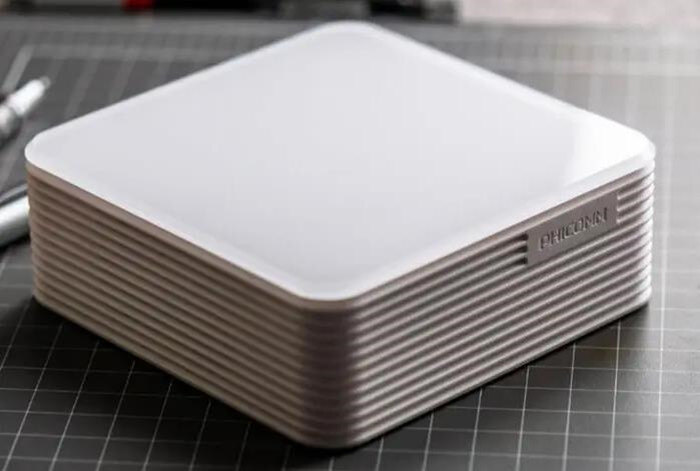
配置:
芯片:S905D ,ARM Cortex-A53,四核 2GHz
存储:2G+8G
网口:1Gbps
其他接口:1个HDMI接口、2个USB 2.0接口
数码视讯Q5
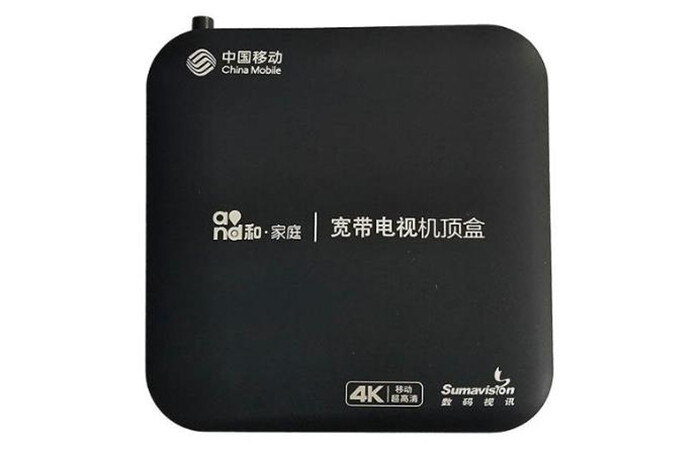
江苏移动/浙江移动/北京联通版
芯片:S905M ,ARM Cortex-A53,四核 1.5GHz
存储:1G+8G
安徽电信/辽宁电信
芯片:S905M ,ARM Cortex-A53 ,四核 1.5GHz
存储:1G+4G
湖南联通及部分浙江
芯片:S905L ,ARM Cortex-A53 ,四核 2GHz
存储:1G+8G
广东联通
芯片:S905L ,ARM Cortex-A53 ,四核 2GHz
存储:1G+8G
网口:100Mbps
接口:两个 USB 2.0接口,1 TF卡,1 HDMI接口
无线:有无线Wifi,无蓝牙
数码视讯Q7
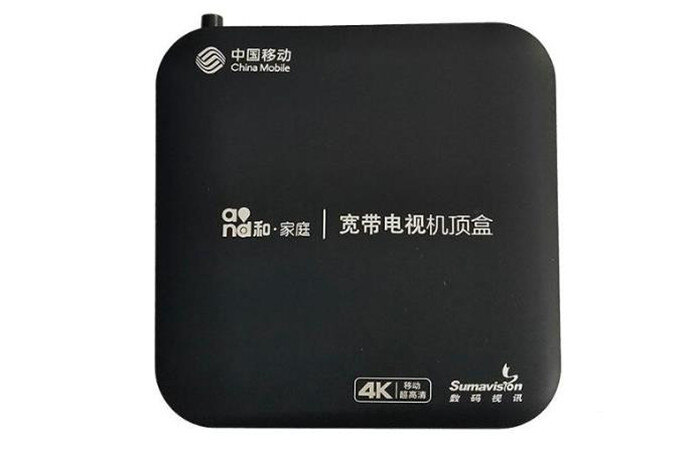
芯片:S905L ,ARM Cortex-A53 ,四核 2GHz
存储:1G+8G
网口:100Mbps (猜测)
接口:两个 USB 2.0接口,1 TF卡,1 HDMI接口
无线:有无线Wifi,无蓝牙
此机型版本如果是NAND存储,不支持系统刷入内置存储。高安版大概率是NAND存储。
中兴b860AV2.1
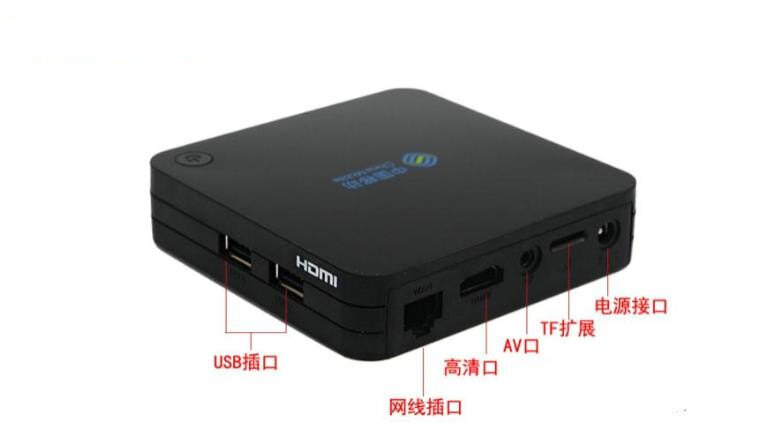
芯片:S905L ,ARM Cortex-A53 ,四核 2GHz
存储:1G+8G
网口:100Mbps (猜测)
接口:两个 USB 2.0接口,1 TF卡,1 HDMI接口
无线:有Wifi,无蓝牙
安徽移动版的B860AV2.1存储为1G+4G,有AV接口,无音频接口
魔百和HM201
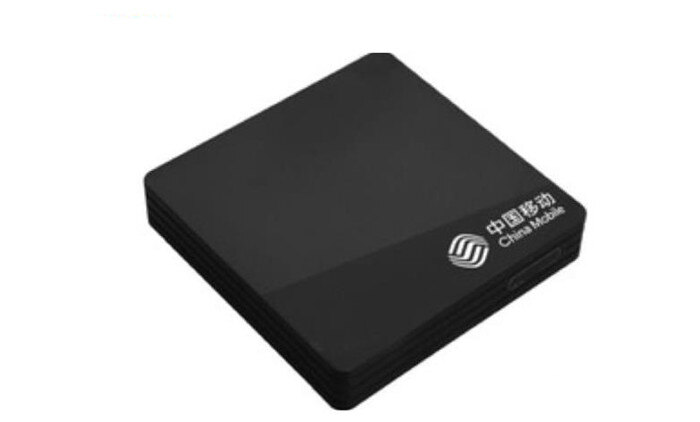
芯片:S905L ,ARM Cortex-A53 ,四核 2GHz
存储:1G+8G
网口:100Mbps (猜测)
接口:两个 USB 2.0接口,1 TF卡,1 HDMI接口
无线:有Wifi,无蓝牙
安徽移动版的B860AV2.1存储为1G+4G,有AV接口,无音频接口
百视通R3300-L
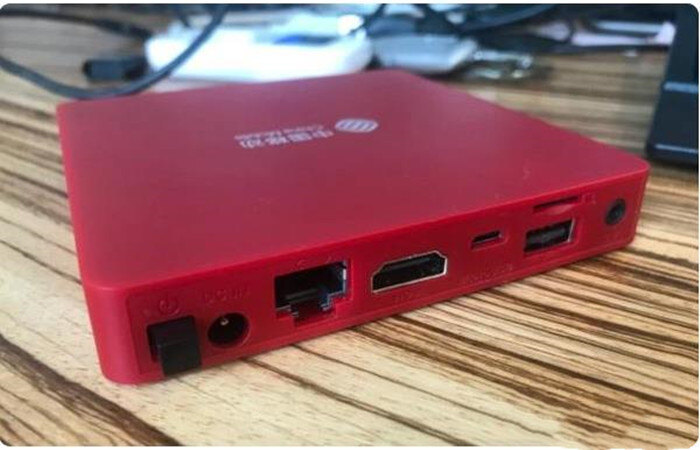
芯片:S905L ,ARM Cortex-A53 ,四核 2GHz
存储:1G+8G
网口:100Mbps (猜测)
接口:1 USB 2.0接口,1microUSB,1 TF口,1 HDMI
无线:有Wifi,无蓝牙
此机型版本如果是NAND存储,不支持系统刷入内置存储
咪咕盒子MG101
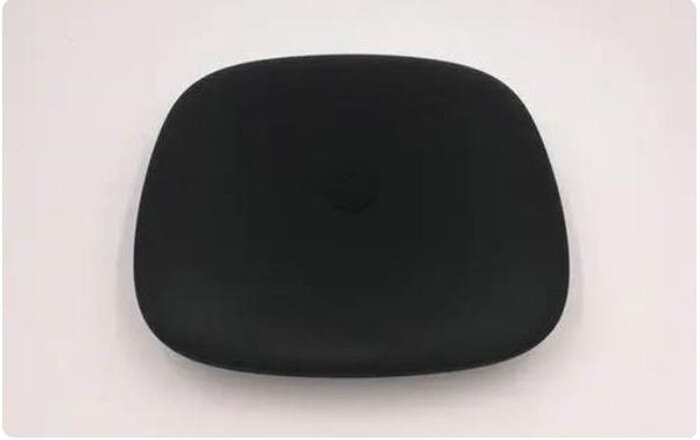
芯片:S905L,ARM Cortex-A53 ,四核 2GHz
存储:1G+8G
网口:100Mbps (猜测)
接口:1USB 2.0接口,1microUSB,1 HDMI
无线:有Wifi,无蓝牙
不同版本咪咕MG101的CPU 分 s905L 和s905L-BWIFI模块 分SSV6051/P 和SC9082内存分单DDR 和 双DDR单DDR比较难刷机
其余还有新魔百和 M201-S、新魔百和 M201-D、创维900V21C、魔百和 CMC-01-E G2 40F、百视通 R3300-M、UT斯达康MC8638S、创维E951 广东联通、天邑 TY1208Z,以及移动魔百盒b863av3.2m、e900v22d、e900v22c。如果你的盒子在这之中,则可以试着刷一下。
EmuELEC系统。这是一款专为搭载晶晨(AMLogic)芯片设备打造的开源模拟器系统,刷入即可畅玩大量经典游戏。我们已准备好了整合包,简单易用,就算缺少某些ROM也可后续手动添加,堪称“玩一整年不重样”的快乐源泉!

一、适用设备与原理简述
许多运营商定制的电视盒子采用的都是晶晨系列处理器,不少二手盒子刷入了第三方Android系统,支持通过U盘启动。因此,我们可以将 EmuELEC 安装至U盘,插入盒子后直接进入游戏系统,无需替换原系统。
二、准备材料
一台晶晨芯片的电视盒子(如S905L3A等)
一只64GB以上U盘(用于运行系统)
一台电脑(用来写入系统)
balenaEtcher(刷写工具,免费)
三、系统下载与烧录步骤
1. 前往 [EmuELEC 项目 GitHub页面](https://github.com/EmuELEC/EmuELEC) 的 Releases 下载最新版固件。当前推荐版本为 4.7。
2. 下载 EmuELEC-Amlogic-ng.aarch64-4.7-Generic.img.gz,适配大部分新晶晨盒子。
3. 使用 balenaEtcher 将上述 .img.gz 文件写入U盘(无需手动解压)。
四、配置DTB
1. 烧录完成后重新插拔U盘,会出现两个分区:EMUELEC 和 STORAGE。
2. 打开 EMUELEC 分区的 device_trees 文件夹,找到与自己盒子处理器匹配的 .dtb文件。
例如,S905L3A 通常选择 g12a_s905x2_2g.dtb(2GB内存)。
3. 将该 .dtb 文件复制至根目录,并重命名为 dtb.img。
至此,电脑端配置工作完成。
五、安装 EmuELEC 到盒子
1. 将U盘插入电视盒子,HDMI连接至电视。
2. 设置从U盘启动(有些设备可能默认支持)。
3. 重启后若成功进入系统,会看到 EmuELEC 启动画面。
4. 系统首次启动会自动进行分区扩容与格式化,完成后自动重启。
六、遇到错误怎么办?
部分用户在扩容阶段可能会遇到如下错误:
[FAILED] Failed to mount tmp-assets.mount.
[FAILED] Failed to mount tmp-cores.mount.
[FAILED] Failed to mount tmp-database.mount.
[FAILED] Failed to mount tmp-joypads.mount.
[FAILED] Failed to mount tmp-overlays.mount.
[FAILED] Failed to mount tmp-shaders.mount.
出现这类错误多数情况与电源供电不足或U盘写入异常有关。建议更换质量可靠的电源,重新制作系统镜像后再尝试。
七、系统初始化与耐心等待
首次进入系统后可能会卡在以下提示页面较长时间:
(1 of 2) A start job is running for Setup User config dir (Xmin Ys / no limit)
请耐心等待,该过程为系统初始化,不要误以为卡死重启。通常10分钟内可完成。
八、运行与配置
系统启动后,你可以进行以下设置:
将语言由英文改为中文
配置手柄
添加游戏ROM
九、安装游戏ROM的方式
方式一:将U盘连接电脑,直接复制ROM文件到指定平台文件夹。
方式二:连接电视盒子至网络,通过局域网(Samba共享)访问并传输文件。
注:系统虽有WiFi选项,但部分设备WiFi不可用,推荐有线连接。
不同平台的ROM需放置在对应的目录中,需使用官方支持的后缀格式(如 .zip、.7z 等)。添加后重启EmuELEC,系统即可识别新游戏。
十、ROM获取建议
网上有不少游戏ROM资源网站(英文为主),也可考虑第三方固件,部分内置丰富ROM。但建议注意来源,确保安全。
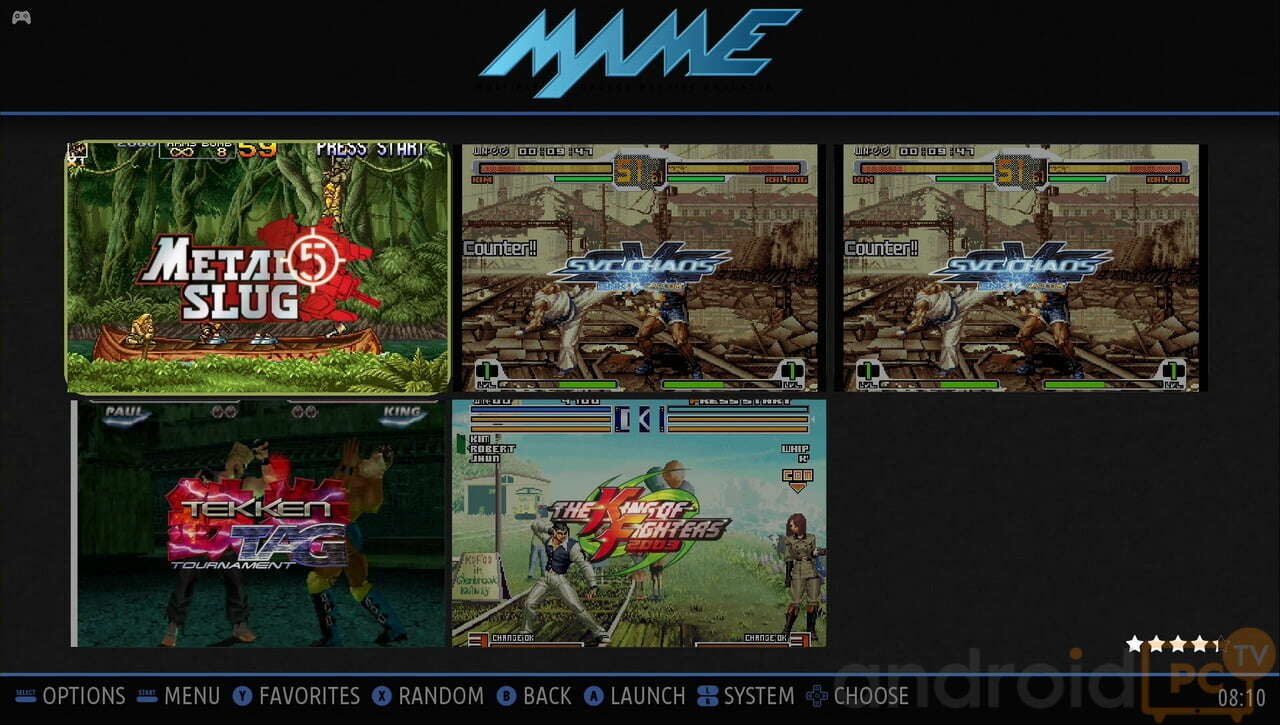
这里也分享出整合包~
整合包下载:



发表评论